Access Code Instructions
Follow the instructions below to register your eBook and proceed to the course content area.
New User?
Click the button below to enter your print or eBook’s access code and create your account.
Already Have an Account?
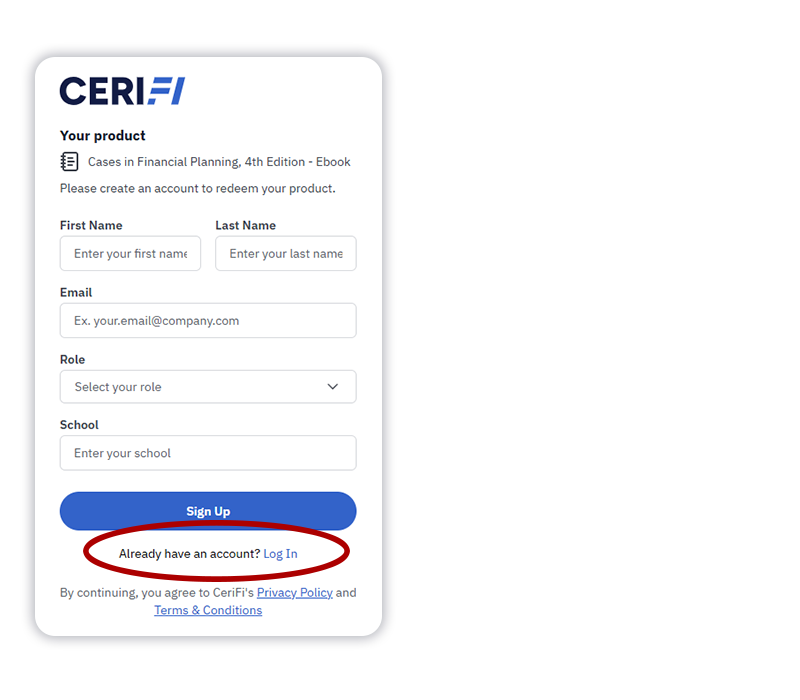
Click the button below and enter your print or eBook access code. If you are already logged in to your account, the resources will be added directly to your library.*
*If not logged in, please use the ‘Log In’ button under the account creation fields and use your existing credentials to log in. Your resources will then be added directly to your library.